
MYNT3D Pen Professional Vs 3D Doodler Create
This post may contain affiliate links. As an Amazon Associate, I earn from qualifying purchases.
There is a large variety of 3D pens on the market and it can be tricky to find your way through all the reviews, blogs, and forum posts.
We tried two of the most popular 3D pens: the MYNT3D Professional and the 3Doodler Create+.
While we found that the MYNT3D professional 3D pen is one of the best 3D printing pens when it comes to value for money, the Create is an excellent, and reliable alternative.
In this article, we go through the features of both pens and how they compare.
MYNT3D Professional Pen
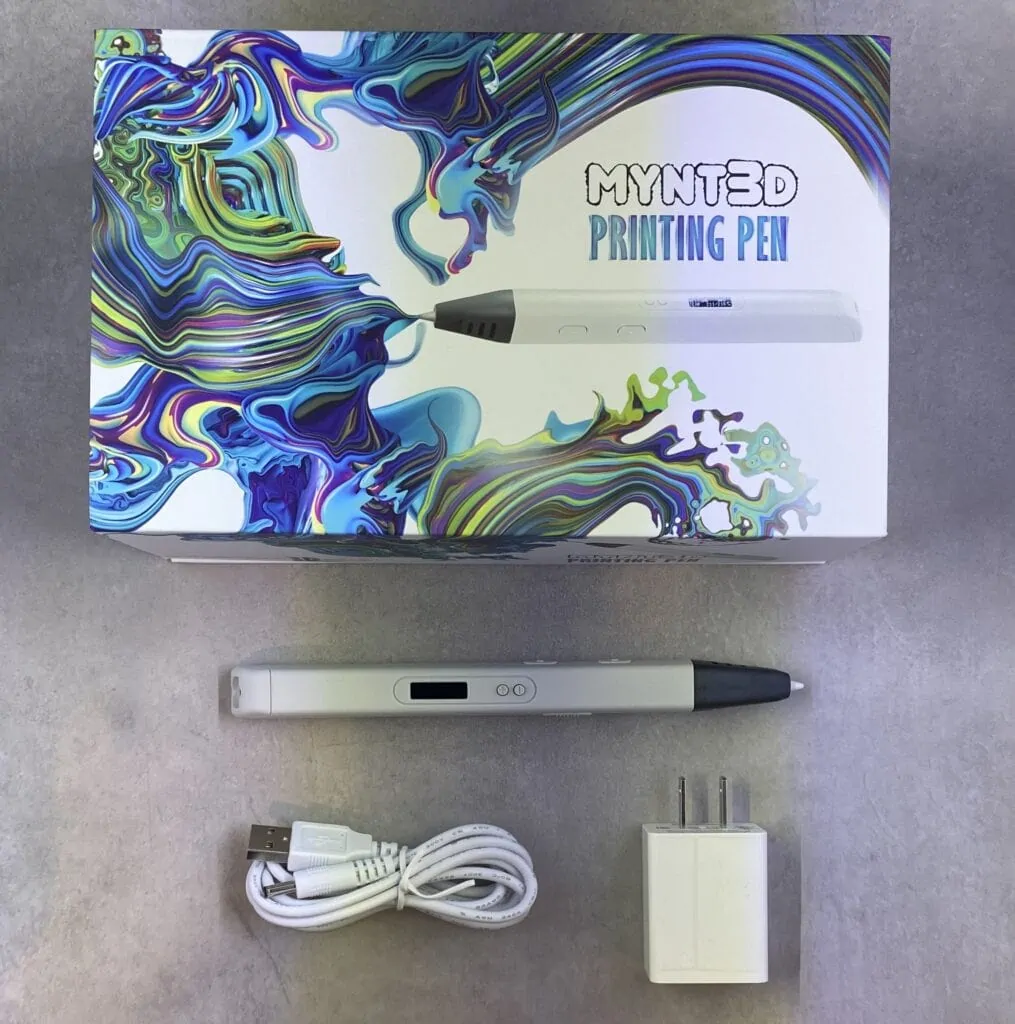
This 3D pen has been designed for older children and adults but this doesn’t mean that it’s not fun or easy.
Filament Flow
When it comes to the ink flow of a 3D pen, it’s important that it is consistent and the pen is responsive enough, so you don’t get any leaks.
This is exactly what we found with the MYNT3D pen.
It dispenses the filament just as you press on the button, and when you press the stop button, it instantly stops.
This means, you don’t get any overflowing filament that stops you in your creative work.
Plus, it also prevents any plastic filament wastage which can save you some cash in the long run.
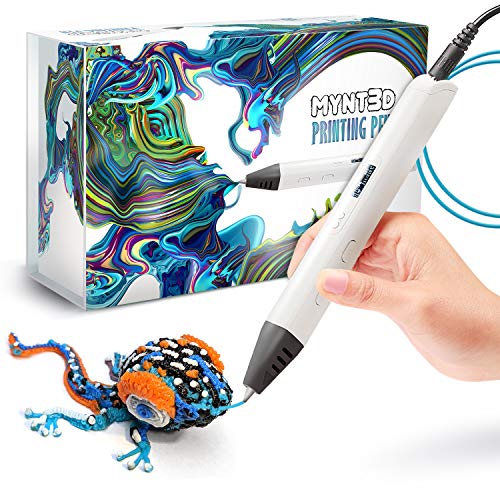
- Watch imagination come to life with the Professional 3D Pen
- Adjustable feed lets you regulate speed & flow for optimal control of material while you're drawing
- Temperature is adjustable in 1 degree increments from 140 to 230 C, for optimal fine-tuning
Filament Feed
Unfortunately, the MYNT3D only comes with ABS plastic filaments, and it doesn’t include any PLA. We compare ABS vs PLA here. Personally, I think PLA is a better choice for beginners.
You can get ABS filament in a range of colors, so you don’t have to stick to the basic yellow, red or brown colors.
With the MYNT3D pen Professional, you have two buttons: the loading button and the feed button.
This works in exactly the same way as with the standard 3D pens.
You just insert the plastic sticks through the back of the pen where the loading port is located.
Once you put the filament in, you just press the loading button and the filament is fed through the body of the pen.
This makes loading your 3D pen with new filament so much easier than with some other pens, including the 3Doodler where you need more tools to remove the filament tube.
In fact, the 3Doodler pen comes with filament which is just around the same size as the pen which means that you need to change the plastic filament more often.
In comparison, the MYNT3D pen comes with much longer filament coils which means you can doodle for a much longer time.
Temperature Control
One feature we really liked with the MYNT3D pen is the temperature screen, so you can see exactly what temperature the pen is at.
Plus, there are also a few options for temperature controls with a couple of buttons where you can set your melting temperature to the degree.
While other 3D pens also offer the temperature screen, we found that the OLED screen of this pen was particularly bright.
Buttons
The MYNT3D pen has a number of different buttons but the best one is the momentary feed button.
This allows the plastic to be extruded only while you hold the load button down, and the feeding stops when you let go of the load button.
This means that you have much more control over when the filament starts to be fed through, and it’s much easier to handle than the continual on switch button on other 3D printing pens.
Performance
The MYNT3D performed very well in our shape drawing test where it managed to score highly in ease of use and accuracy.
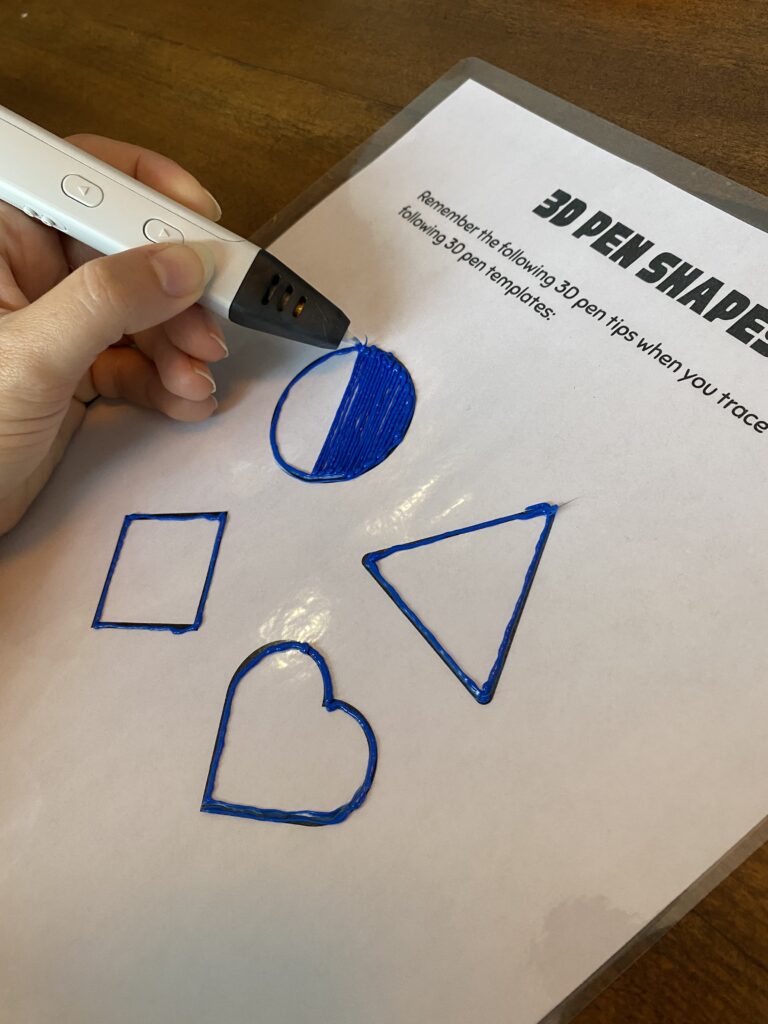
It was relatively fast as we managed to create some very detailed drawings and it had a really good extrusion speed which allowed us to draw at a great speed.
Another plus on the performance side is that it comes with an unclogging tool which you can use to remove any stuck filament.
One disadvantage that we found was that the mains power wire was a little short which meant we had to maneuver around a little bit.
But you can get around this issue with a good extension lead, and then doodle to your heart’s content.
Overall, the MYNT3D pen Professional feels much more sturdy and solid than many other cheaper 3D pens.
- Watch imagination come to life with the Professional 3D Pen
- Adjustable feed lets you regulate speed & flow for optimal control of material while you're drawing
- Temperature is adjustable in 1 degree increments from 140 to 230 C, for optimal fine-tuning
3Doodler Create
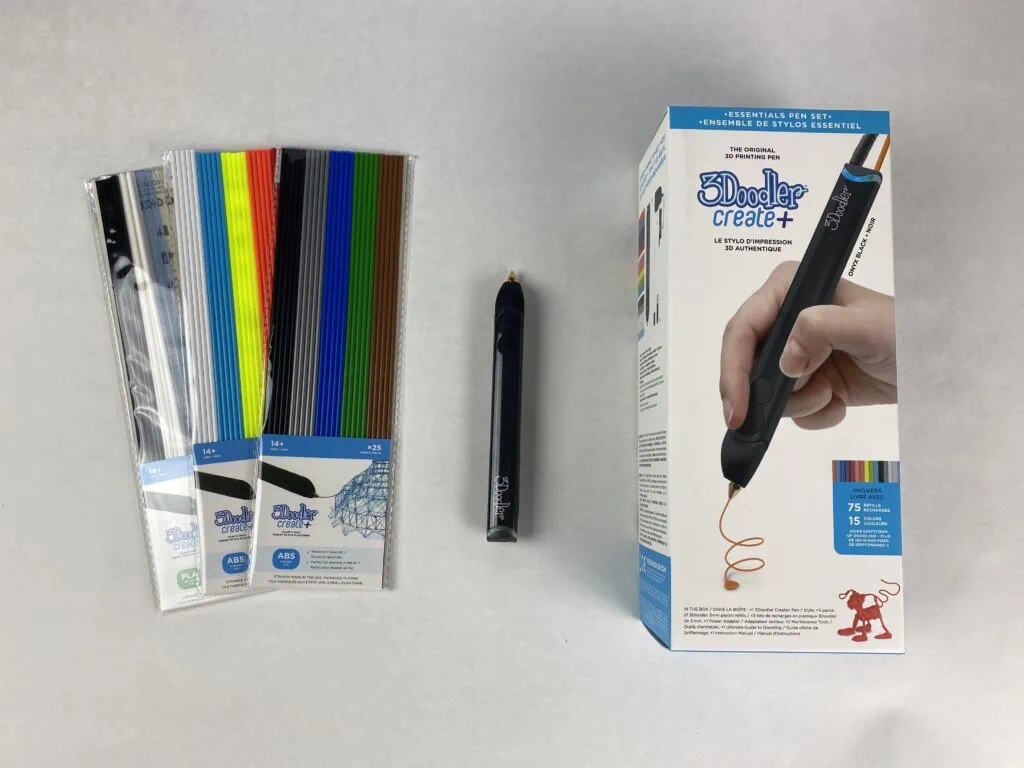
3Doodler Create+ is one of the most popular 3D pens available on the market.
Its sturdy design with an aluminum body makes it feel nice in your hand.
Filament Quality
For the 3Doodler Create pen, you will need to use 3Doodler’s own filament but this shouldn’t be an issue as it is widely available.
When compared to other filaments, the 3Doodler plastic filament seems much brighter and more solid in color pigmentation than others.
This will also make your 3D object stand out more and you can create some really vibrant 3D pieces.
However, you will only be able to use 3Doodler branded filament in your 3D pen, and this plastic filament isn’t the cheapest.
In fact, sometimes the 3Doodler sticks are even double the price of cheaper Chinese-made filament sticks.
Another issue that we found with the 3Doodler pen and its filament is that you can only use straight filament sticks.
This means you cannot use any of the larger filament spools which are 3mm thick.
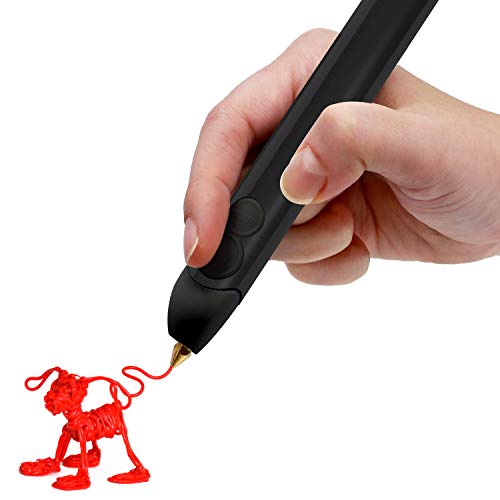
- [3DOODLER IS A NEW CREATIVE MEDIUM] The world is your canvas. Discover a new way to create art, design and personalize objects. This versatile tool can help you design solutions for everyday problems.
- [3D DRAWING EASY AS 1, 2, 3D] Extrude heated plastic that hardens almost instantly, so you can draw 3D structures, freehand or on stencils. Just plug the 3D pen in, insert 3Doodler Create plastic, wait for the 3D pen to heat up and then you're good to go!
- [WHAT'S IN THE BOX] This 3D Pen comes packed with 15 different colors of 3Doodler Create plastic refills & a 汽车投诉排行榜 activity guide book.
Loading Filament
One of the biggest issues with the 3Doodler Create was the unloading and loading of the plastic filament. It was fiddly and time consuming.
You will need to unclog the pen first with the three included tools.
This isn’t easy to do and as there are plenty of small parts involved, we wouldn’t recommend this pen for small children.
Depending on how often you plan to change the filament, this clunky changing process can be a nuisance over time and it certainly stops you in your creative flow.
Performance
When it comes to performance in our basic drawing test, 3Doodler Create is doing reasonably well.
However, due to the difficult unloading and loading process, it’s not as good as the MYNT3D pen.
In addition, the 3Doodler pen only allows the much shorter filament sticks which means you go through the difficult loading and unloading process even sooner.
Plus, you will need to refill much more often which can become expensive very quickly, if you are going through a lot of filament.
Saying this, the 3Doodler Create+ pen is still an excellent choice for doodling your 3D objects, although you will have to watch the price of both pen and filament.
- [3DOODLER IS A NEW CREATIVE MEDIUM] The world is your canvas. Discover a new way to create art, design and personalize objects. This versatile tool can help you design solutions for everyday problems.
- [3D DRAWING EASY AS 1, 2, 3D] Extrude heated plastic that hardens almost instantly, so you can draw 3D structures, freehand or on stencils. Just plug the 3D pen in, insert 3Doodler Create plastic, wait for the 3D pen to heat up and then you're good to go!
- [WHAT'S IN THE BOX] This 3D Pen comes packed with 15 different colors of 3Doodler Create plastic refills & a 汽车投诉排行榜 activity guide book.
Which Is Better: MYNT3D Professional Or 3Doodler Create+
In our test, the MYNT3D pen was the most responsive and well-designed pen.
It stopped the filament flow instantly, so you didn’t waste any filament.
In comparison, the 3Doodler was equally easy to handle but difficult to unload and load filament.
Plus, 3Doodler only allows you to use their filament which means you are limited to their shorter plastic sticks which are also more expensive than the spools that you can use with the MYNT3D pen.
The OLED temperature screen on the MYNT3D is a big plus with this pen and it allows you to adjust the temperature by degrees.
Overall, we found the MYNT3D Professional pen better than the 3Doodler Create+.
- Watch imagination come to life with the Professional 3D Pen
- Adjustable feed lets you regulate speed & flow for optimal control of material while you're drawing
- Temperature is adjustable in 1 degree increments from 140 to 230 C, for optimal fine-tuning
How To Find The Right 3D Pen?
With the many options for 3D pens available online and in craft stores, it’s difficult to keep an overview of all the important features.
Here are a few things that you need to look out for when buying a 3D pen.
Speed Adjustment
The extrusion speed at which the filament comes out of your pen can make a big difference to the objects that you want to create.
When you have a pen where you can choose your speed, then you don’t need to change the default speed of the pen, and you don’t have to disrupt your creative flow.
Temperature Adjustment
It’s a good idea to look for a pen that allows you to adjust the temperature.
Then, you can use different types of filament, such as ABS and PLA.
Comfort And Design
When it comes to 3D pen designs, it’s important to remember that a steady pen that’s comfortable to handle will affect the quality of your 3D creations.
When a 3D pen feels more similar to a normal pencil or pen, then it’s more natural and easier to draw and design.
Plastic Filament
The plastic filament that you are using for your 3D pen is almost as important as the 3D pen itself.
Make sure that you can use different types of filaments and brands for your pen as this gives you plenty of color and quality options.
As you will likely use your 3D pen for a while, you need to keep an eye on the costs and filament is relatively expensive.
Also, check how easy it is to feed the filament into the pen and what you need to do to change it.
This can impact how quickly you load and unload filament.
Final Thoughts
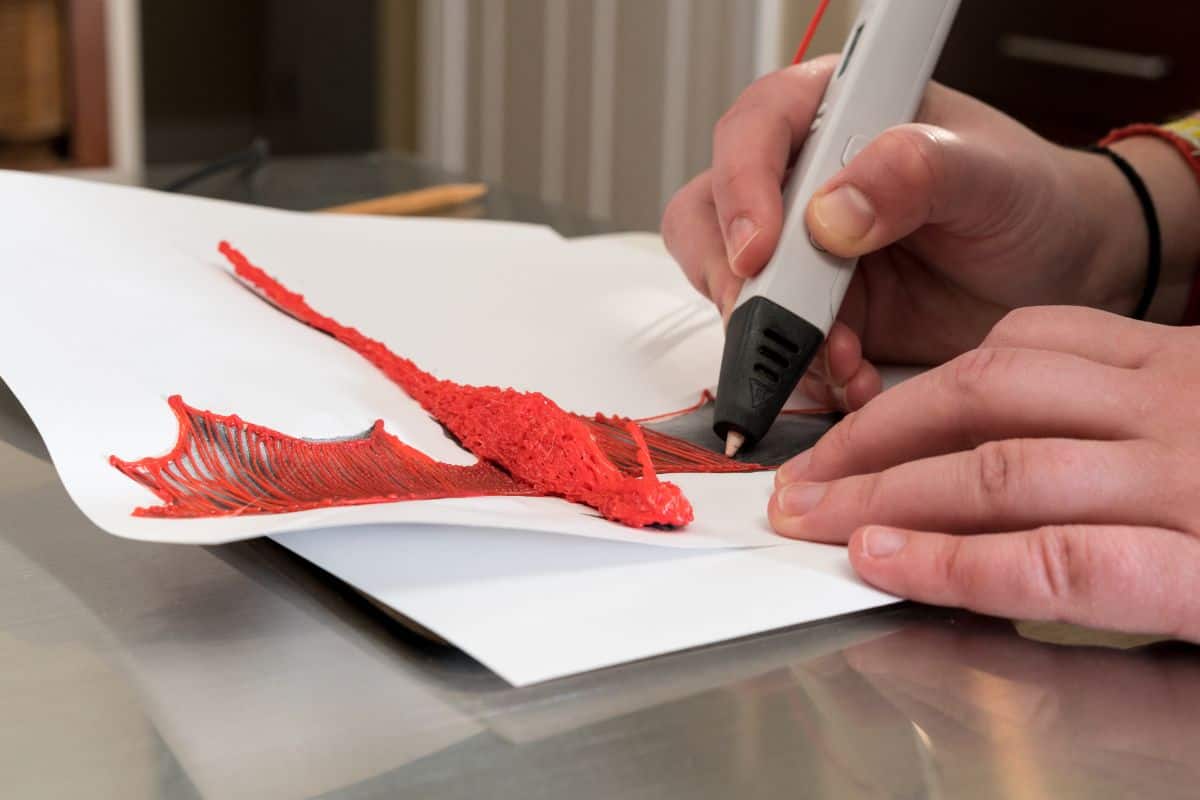
Both the 3Doodler Create+ and MYNT3D Professional pen are excellent 3D printing pens, and they allow you to create 3D objects with ease.

Kate is mom of two rambunctious boys and a self-proclaimed super nerd. With a background in neuroscience, she is passionate about sharing her love of all things STEM with her kids. She loves to find creative ways to teach kids computer science and geek out about coding and math. She has authored several books on coding for kids which can be found at Hachette UK.